
How the Miami County Court Calendar Works
The official Indiana Trial Court Calendars search lists hearings for three courts. Those are Miami Circuit Court, Miami Superior Court 1, and Miami Superior Court 2. Results group by court and date. You can narrow them with a case number or a name. Think of it as a schedule view, not a full case history. Court staff refresh it as events change.
The public window reaches back seven days and ahead four weeks. Anything older or further out may not appear there. For those settings, fall back on the notice, MyCase CCS, or the Clerk. The portal assigns internal node numbers to the three Miami courts (5211, 5231, and 5232). Pick your court by name and leave the nodes alone.
Miami Calendar Filters Step by Step
Filters beat a broad name search. The county and court controls do the real work. Start from the paper that set the hearing, because "Miami County" alone never tells you whether the case belongs to Circuit, Superior I, Superior II, or a city court.
- Open Trial Court Calendars and choose Miami County.
- Select Miami Circuit Court, Miami Superior Court 1, or Miami Superior Court 2.
- Enter the date in MM/DD/YYYY format.
- Add a case number or party name only if needed, then choose Find Hearings.
- Compare court, date, time, location, judge, category, and description with the notice.
- Confirm a critical setting through the CCS or the Clerk.
The search-text box is picky. It takes a case number or a name, not the whole docket, and caps input at 75 characters. Hit Reset before each new court or date search so a stale filter does not bury your result.
Miami County Court Date Lookups
The portal is only one channel. Trial Court Calendars gives you hearing rows; MyCase gives the full case chronology. At the Miami County Courthouse, Room 208 staff handle hearing-date questions and the public terminal. The Clerk's main line is 765-472-3901. A second-floor line for traffic and hearing dates is 765-472-2705.
Come prepared. In person, bring the case number, citation, notice, and the exact party spelling. By phone, name the assigned court and the date on your latest paper. Mail and fax inquiries work too. Confirm the receiving office first, and use the main Clerk fax at 765-472-1778. The Clerk offers no generic public email route. The court posts no daily printed calendar, so do not count on one.
When the portal is down or the date falls outside its range, call the court directly. Circuit is 765-472-3901 extension 1235, Superior I is 765-472-2428 extension 1232, and Superior II is 765-472-2448 extension 1360. Staff will confirm dates and administrative details. They cannot give legal advice.
Miami Date and Search Rules
The calendar keeps its county, court, date, and text filters separate. Put a narrative date in the wrong box and the search comes back empty. The same happens if you stuff an identifier into the wrong field. The system also flags refreshed results. It can show a sparse row when optional data like the case style is null.
For the curious, the official calendar interface source spells out the details. It shows exactly how the public page handles county, court, date, and search-text behavior.
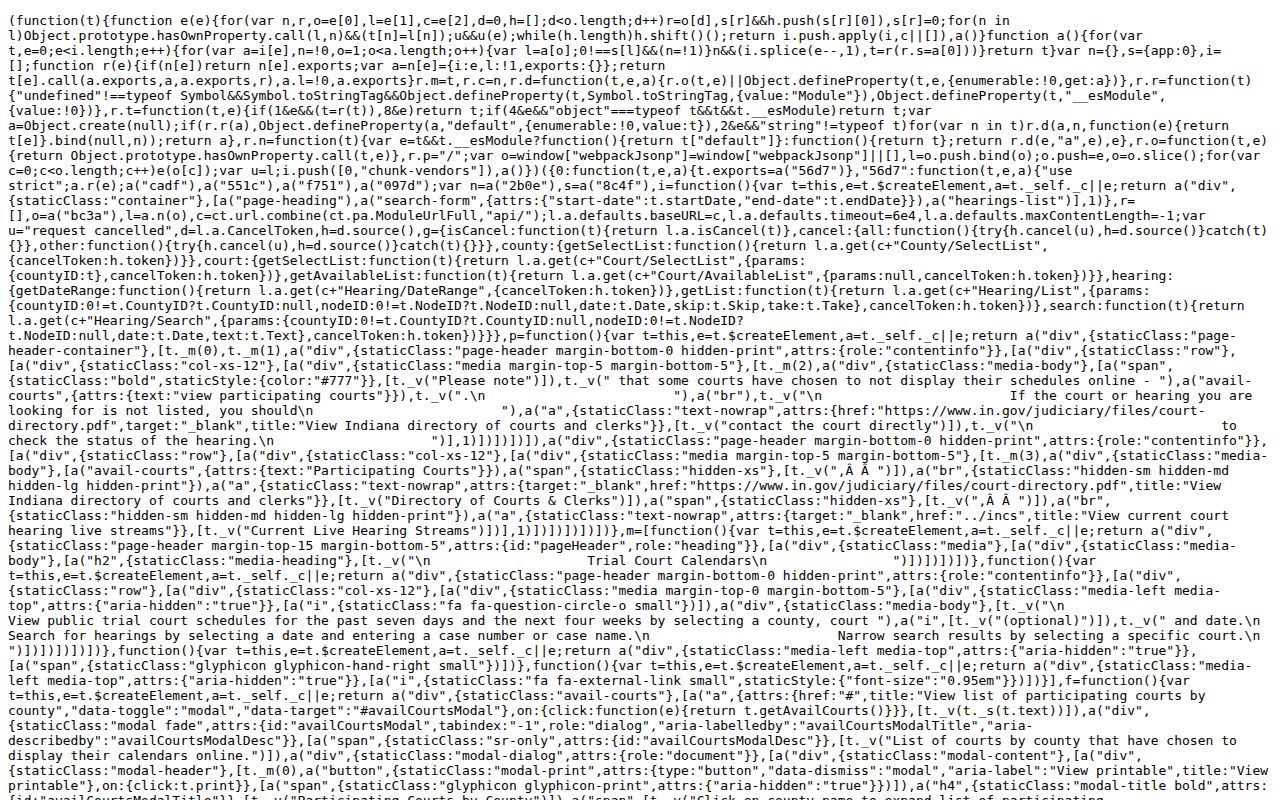
The interface source boils down to a simple rule. Choose the Miami court first. Then add the date, and only the search text the calendar actually accepts.
Court Settings: What Each Field Means
A Miami County calendar row mixes public labels with system fields. Some rows run long and others look bare. A missing case style or judge name does not cancel the hearing, so check the row against the written order or notice before assuming anything.
| Court | Miami Circuit, Superior I, or Superior II and its calendar node. |
|---|---|
| Date and time | Session date plus start, end, or timeslot where supplied. |
| Location | Courthouse room or location and city when present. |
| Judge | The judge list attached to the calendar event. |
| Setting type | Hearing description such as initial, status, dissolution, guardianship, or supplemental proceeding. |
| Case reference | Case number, category key, optional style, and hearing identifier. |
The calendar is not the judgment. It shows the plan. To learn what actually happened, read the later CCS entry, order, or transcript.
Miami Hearing Labels in Plain Terms
Common labels on the public calendar include initial hearing, status hearing, final dissolution hearing, paternity, guardianship, proceedings supplemental, rule to show cause, and hearing on a petition for protection order. Each one names a purpose. None of them is a result.
- Initial hearing
- An early setting at which the court addresses the next procedural steps.
- Status hearing
- A setting to review where the matter stands, not necessarily a trial.
- Proceedings supplemental
- A post-judgment civil event tied to collection or enforcement.
- Rule to show cause
- A setting on whether a person must explain alleged noncompliance.
- Timeslot
- The scheduled block returned by the calendar, which may differ from actual start time.
Restricted matters, such as protection-order cases, carry limited public information by design. Never use a generic label to fill in protected facts.
When a Miami County Court Date Moves
A reset, a continuance, or a cancellation changes the planned setting. Yet the systems do not always refresh together. MyCase may mark a CCS event canceled. The Miami County calendar might still show the old row, or drop it a day later. A replacement date can arrive through a later order. Before you rely on a Miami County court date, pull the latest event rather than a copy you saved earlier.
Use two sources: compare the current calendar row with the latest CCS entry or written order, then call the Clerk if they conflict.
A missing calendar line is not proof that the case ended, and an old calendar line is not proof that the hearing occurred.
When a real deadline or appearance rides on it, rely on the court's current notice and confirm directly. Doxpop can send notifications. It is a vendor layer linked to official records, not the official Miami County court docket itself.
Miami Superior I Night Court
Superior I runs a Tuesday night session. It starts at 4:00 p.m. and runs until every case on the list is done. Use the Court Street entrance, on the east side, once the clock passes 4:00 p.m. If a notice lists an evening hearing, it pays to confirm the session with the court first. Traffic tickets, infractions, and ordinance cases land in Superior I under the current local split. Knowing which court and which session matters. Call the Clerk traffic and hearing-date line at 765-472-2705 or the Superior I office at 765-472-2428.
SuperiorII follows a different Friday rhythm described in its eviction guide. Initial eviction hearings sit at 10:00 or 10:30 a.m., with damages hearings at 11:00 a.m. Those times belong to that one procedure. Do not apply them to other Miami County court docket settings.
When a Court Date Moves
A Miami County hearing date can move in several ways. The court may grant a continuance, reset a hearing on its own, cancel an event, or enter a new order. An agreed request alone changes nothing. Until the court acts, the docket keeps the original setting, so read the entry and confirm any replacement date before relying on it.
Write down the case number. Note where and when each confirmation came from. If a calendar result and a mailed notice disagree, call the assigned court right away. Staff can read the record and tell you what it says, though they cannot advise you on whether to seek a continuance or how to argue for one.
Miami Calendar Data Is Not Caseload
A hearing search result tells you about one case, not the whole Miami County caseload. Indiana publishes aggregate court activity through ICOR statistics, sorted by report, year, and county. The 2024 certified figures capture historical activity. They are not a live daily docket, and they are not a list of people. The official Indiana court statistics portal supplies the selectors for report, year, and county. Those selectors lead to Miami County data.
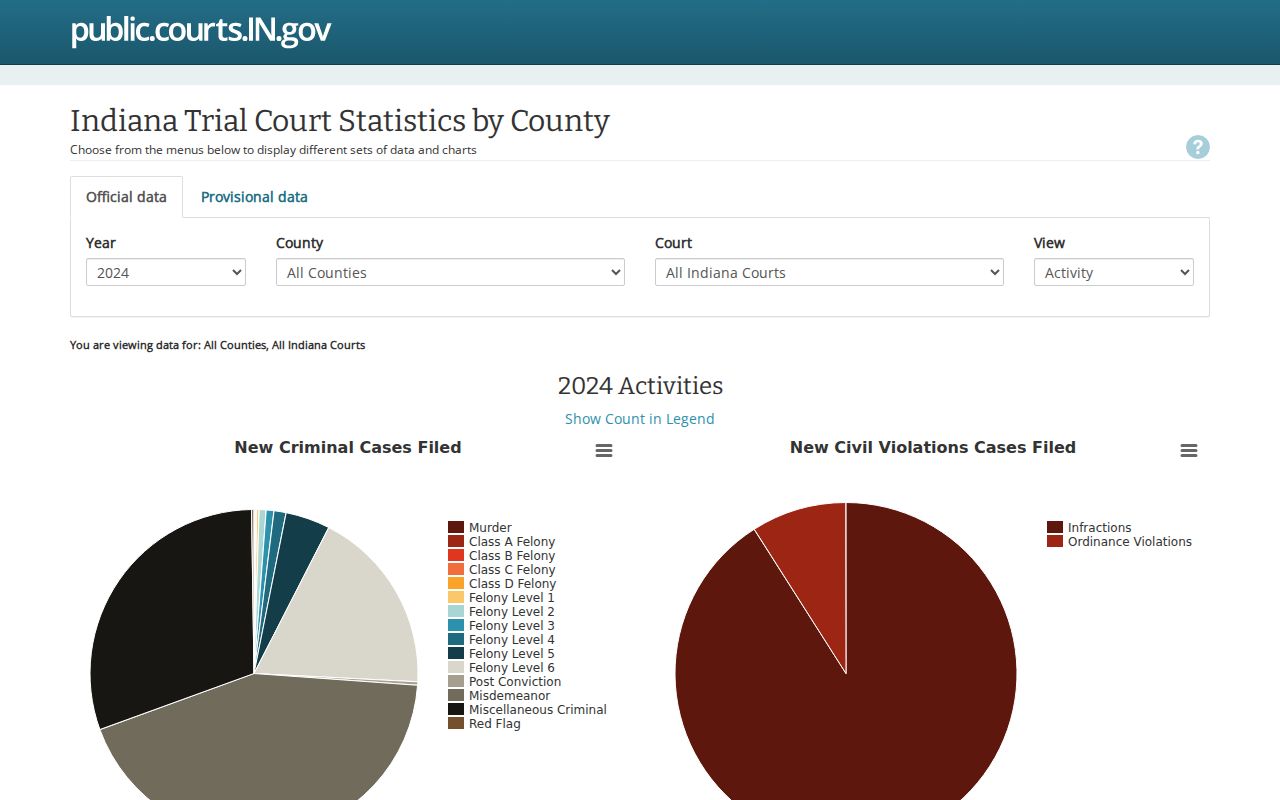
The statistics interface answers a different question than the Trial Court Calendars do. One summarizes overall court activity. The other helps you locate a scheduled hearing on the docket.
Missed Settings and What Comes Next
Missed a Miami County setting? Act fast. Pull the latest MyCase CCS and look for an order, a warrant-related entry, a default, a dismissal, a reset, or any other event, then call the assigned court or the Clerk. Waiting for a calendar notice is a mistake. An old docket row will not tell you the result.
A missed setting can have case-specific consequences. The public calendar cannot tell a reader what remedy applies or replace an order.
Give staff the case number, court, missed date, and current contact information, and seek legal help when advice is needed.
For traffic matters, the county's published instructions warn of consequences when payment is not made after the court date. In civil cases, a missed hearing can bring a default, a dismissal, or some other order, depending on what the record holds. The CCS and the court orders are the only sources that show what actually happened.